
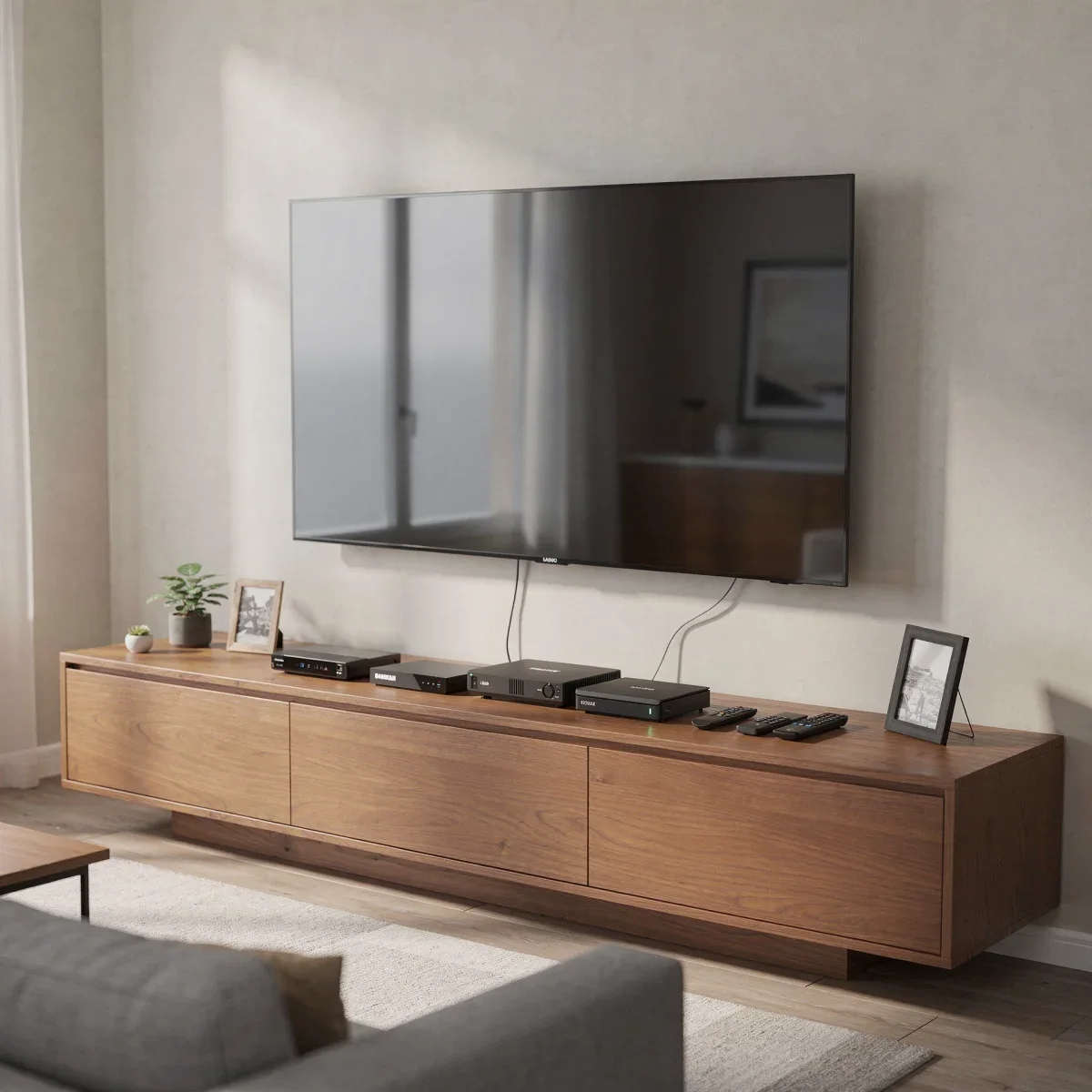
If your television interface feels sluggish or you cannot access your favorite apps, you are not alone. Knowing how to choose a streaming device can instantly breathe new life into any screen, turning a clunky viewing experience into a fast, seamless entertainment hub. Whether you want to watch movies in vibrant 4K or stream live sports without lag, the right media player makes all the difference.
Advertisements
Smart TV Apps vs. Dedicated Streaming Players
Most modern televisions come with built-in smart platforms, but they often age poorly. TV manufacturers frequently stop updating their built-in software after a few years, leading to slow menus, app crashes, and missing channel updates.
Dedicated media players solve these problems because their processors focus entirely on running applications smoothly. Brands like Roku, Apple, Google, and Amazon release regular firmware updates that keep apps compatible and responsive. Adding an external player is also much more affordable than replacing a perfectly good display panel.
Key Factors When You Choose a Streaming Device
Before buying a new player at Best Buy, Target, or Amazon, you should evaluate how you watch TV and what hardware you currently own. Keep the following technical features in mind:
- Form Factor (Stick vs. Box): Streaming sticks plug directly into an HDMI port behind your TV and stay hidden. They are great for wall-mounted TVs and travel. Larger set-top boxes offer faster processors, extra cooling, Ethernet ports for wired internet, and expanded storage.
- Video and Audio Support: Look for 4K Ultra HD, HDR10, and Dolby Vision support if your TV supports these formats. For audio enthusiasts, make sure the player supports passthrough for Dolby Atmos.
- Ecosystem Compatibility: If you use an iPhone and Apple Home, an Apple TV integrates effortlessly with AirPlay. If you rely on Alexa or Google Assistant, Fire TV or Google TV devices offer better smart-home synchronization.
- Wi-Fi Capabilities: High-definition streaming requires reliable bandwidth. Look for players supporting Wi-Fi 6 or dual-band Wi-Fi to reduce buffering during peak evening hours.
Major Streaming Platforms Compared
Each major operating system offers a unique user interface, search algorithm, and content organization style. Here is how the top platforms compare:
| Platform | Best For | Key Advantage | Price Range |
|---|---|---|---|
| Roku | Simplicity & Neutrality | Clean grid layout; does not push any specific brand | $30 – $100 |
| Apple TV (tvOS) | Apple Users & Power Seekers | Blazing-fast processor, zero ads, seamless AirPlay | $129 – $149 |
| Google TV | Personalized Recommendations | Aggregates watchlist across multiple streaming services | $30 – $100 |
| Amazon Fire TV | Prime Members & Alexa Homes | Deep Alexa integration and Prime Video features | $25 – $140 |
Evaluating Remotes and Daily Usability
Do not overlook the remote control, as it is your primary way of interacting with your entertainment system. Basic remotes use infrared, requiring a direct line of sight to the TV. Higher-end players come with voice-activated Bluetooth remotes that let you search for movies, change inputs, and adjust volume even if the player is tucked behind a cabinet.
Some remotes include programmable shortcut buttons, rechargeable batteries via USB-C, or lost-remote finder beeps that save you from tearing your couch cushions apart.
Quick Takeaways
- Choose a compact streaming stick for simple setups and travel, or pick a set-top box for maximum processing speed and Ethernet connectivity.
- Select your operating system based on your existing devices (Apple TV for iOS users, Google TV for smart recommendations, Roku for straightforward navigation).
- Confirm your streaming player matches your TV's capabilities, including 4K resolution, HDR10+, Dolby Vision, and Dolby Atmos.
Frequently Asked Questions
Do I need a streaming device if I have a smart TV?
You do not need one, but dedicated devices generally provide faster navigation, fewer software bugs, broader app availability, and longer support cycles than built-in smart TV platforms.
Which streaming device has no monthly fee?
All major hardware devices (Roku, Apple TV, Fire TV, Google TV) have no mandatory monthly hardware fees. You only pay for individual subscription apps like Netflix, Hulu, or Max.
Is Apple TV better than Roku?
Apple TV offers a premium, ad-free interface with unmatched processing speed and Apple ecosystem perks, while Roku provides an affordable, easy-to-use interface that fits any budget.
Wrapping Up
Taking the time to choose a streaming device tailored to your home setup will eliminate buffering frustrations and make movie nights far more enjoyable. Check your TV ports, pick an interface that matches your preferences, and explore our latest home entertainment guides to optimize your home theater setup.