
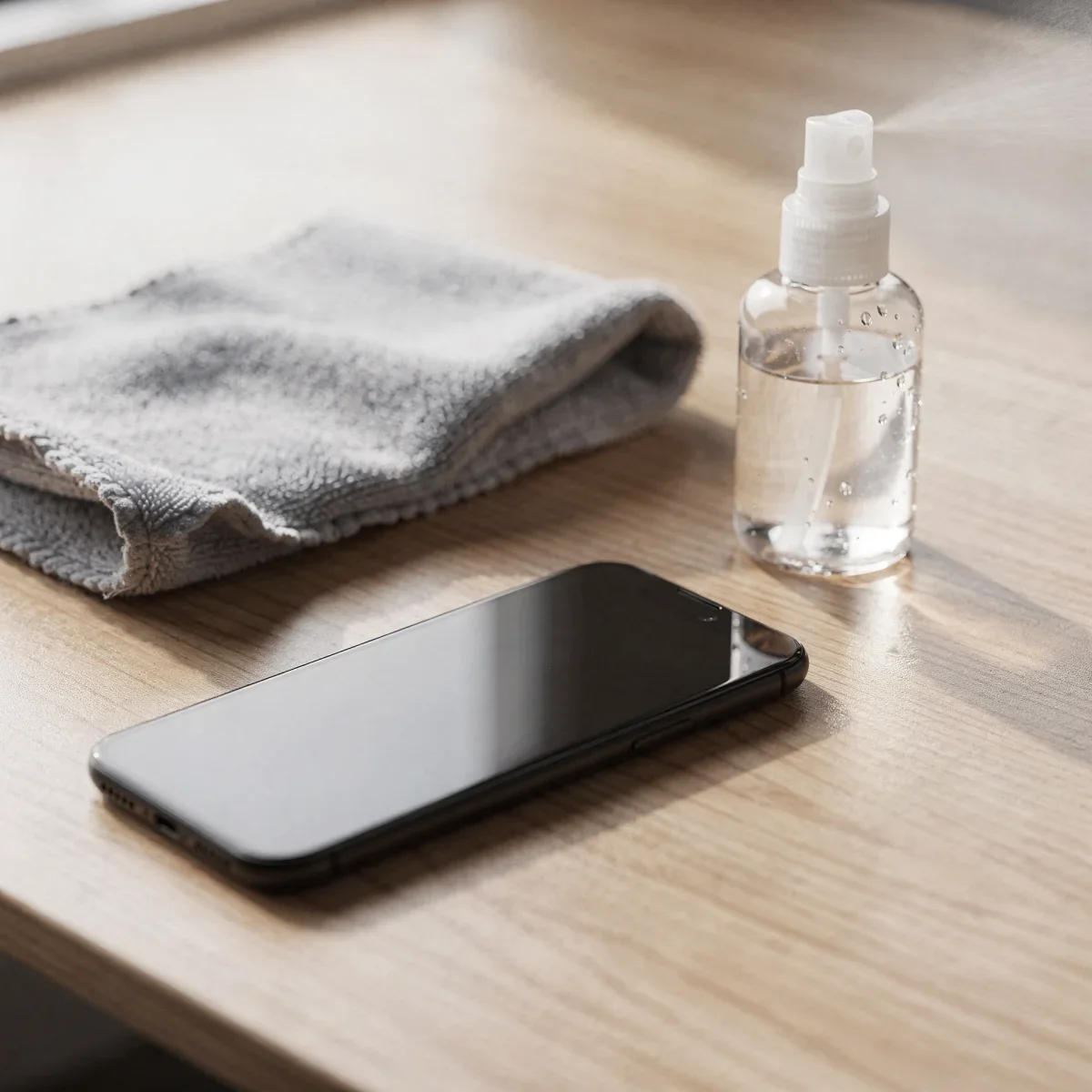
Your smartphone goes everywhere with you, from kitchen counters and gym benches to office desks and car mounts. Over time, screens collect a stubborn layer of fingerprints, facial oils, dust, and daily bacteria. Knowing how to clean your phone screen safely protects your health while preserving the sensitive display coatings that keep your device responsive and crystal clear.
Advertisements
Understanding Your Screen's Fragile Protective Coating
Modern smartphones from brands like Apple, Samsung, and Google feature an oleophobic (oil-repellent) coating bonded directly to the glass. This ultra-thin microscopic layer resists fingerprint smudges and helps your fingers glide effortlessly across the glass. Unfortunately, this coating is remarkably vulnerable to harsh chemical solvents and abrasive materials.
Standard household cleaning supplies like Windex, kitchen degreasers, bleach, and pure acetone will strip away the oleophobic layer within seconds. Once that barrier wears down, your screen becomes significantly more prone to permanent smudges, micro-scratches, and uneven glare. Preserving this factory finish requires a balanced touch and the right cleaning chemistry.
Safe Tools vs. Harmful Supplies: What to Use and Avoid
Before you wipe down your display, gather supplies specifically formulated for delicate consumer electronics. Most items are readily available at stores like Target, Best Buy, or Amazon for under $15.
| Safe to Use | Never Use |
|---|---|
| Lint-free microfiber cloths | Paper towels, napkins, or facial tissues |
| Distilled water (lightly misted on cloth) | Window cleaners (Windex), ammonia, or vinegar |
| 70% isopropyl alcohol wipes or spray | 100% pure alcohol, acetone, or nail polish remover |
| Soft-bristle detailing brushes | Bleach, hydrogen peroxide, or aerosol dusters held close |
| Pre-moistened optical lens wipes | Rough bath towels, denim, or shirt hems |
Wood-based paper products like paper towels and tissues contain microscopic fibers that can leave permanent hairline scratches across glass and camera lenses. Always reach for a dedicated optical microfiber cloth instead.
Step-by-Step: How to Clean Your Phone Screen Safely
Follow these straightforward steps to remove grime, lift smudges, and sanitize your device without risking moisture intrusion or hardware damage.
Step 1: Prep and Power Down
Unplug all charging cables, remove any wired accessories, and turn off your phone completely. Powering down prevents accidental screen inputs and eliminates electrical short risks if a drop of moisture reaches an opening. Remove your phone case so you can reach accumulated grit along the outer bezel edges.
Step 2: Dry Dusting with Microfiber
Use a dry, clean microfiber cloth to gently wipe away loose grit and surface dust. Move in small circular motions with minimal pressure. Removing loose particles first prevents you from grinding abrasive dirt across the display when applying moisture later.
Step 3: Apply Moisture to the Cloth (Never the Screen)
Dampen a corner of your microfiber cloth with a small spritz of distilled water or a 70% isopropyl alcohol solution. Never spray liquids directly onto your smartphone. Even water-resistant phones with IP68 ratings have sensitive speaker membranes and microphone ports that liquid sprays can penetrate.
Step 4: Wipe and Buff Dry
Gently wipe the screen from top to bottom using the damp section of your cloth. Flip to the dry side of the microfiber to buff away any remaining streaks. Allow the phone to air-dry completely for two minutes before powering it back on.
Clearing Dirt from Ports, Speakers, and Camera Lenses
Pocket lint often collects inside charging ports, lower speaker grilles, and around raised camera housings. If left unchecked, compacted lint can prevent charging cables from seating properly or muffle your call audio.
- Charging Ports (USB-C & Lightning): Use a dry, non-conductive wooden or plastic toothpick to gently sweep out lint balls. Avoid metal safety pins or needles, which can bend fragile electrical pins inside the port.
- Speaker and Microphone Grilles: Lightly sweep across exterior mesh grilles using a dry, soft-bristled toothbrush or an anti-static electronics brush. Never use high-pressure canned air directly into openings, as intense pressure can rupture internal water seals.
- Camera Lenses: Clean camera glass with a dedicated optical lens pen or a dry microfiber cloth to keep photos sharp and free from optical flare.
Caring for Cases and Screen Protectors
A pristine screen does little good if your phone case harbors dirt. Wash silicone, hard plastic, and TPU cases in warm water with a drop of mild dish soap, then let them dry completely before reinserting your phone. For genuine leather cases, wipe them with a damp microfiber cloth followed by a specialized leather conditioner.
If you use a tempered glass screen protector, you have an extra layer of defense. While tempered glass handles standard cleaning well, replacing a cracked or chipped protector promptly ensures optimal touch responsiveness and prevents debris from working underneath the adhesive.
Quick Takeaways
- Cloth Choice Matters: Always use lint-free microfiber cloths instead of paper towels or napkins to avoid micro-scratches.
- Never Spray Directly: Apply 70% isopropyl alcohol or distilled water to your cleaning cloth first, never directly on the phone.
- Protect the Coating: Avoid abrasive household cleaners, ammonia, vinegar, and bleach to preserve your screen's factory oleophobic layer.
Frequently Asked Questions
Can I use Clorox or Lysol disinfectant wipes on my phone?
Major manufacturers like Apple and Samsung state you can gently wipe exterior surfaces using 70% isopropyl alcohol wipes or Clorox disinfecting wipes. Avoid bleach-based wipes and excess moisture near port openings.
Is hand sanitizer safe for smartphone screens?
No. Hand sanitizers frequently contain fragrances, moisturizing gels, and high concentrations of alcohol that leave sticky residues and accelerate the breakdown of your screen's oil-resistant oleophobic coating.
How often should you clean your smartphone?
Wipe your display daily with a dry microfiber cloth to manage fingerprints. Perform a thorough sanitization with a damp cloth and detail your ports and case once every week.
Taking a few minutes each week to clean your phone screen safely keeps your device looking fresh, hygienic, and responsive. Grab a quality microfiber cloth and safe cleaner today, and check out our guides on extending your device battery life and choosing the best protective gear.