
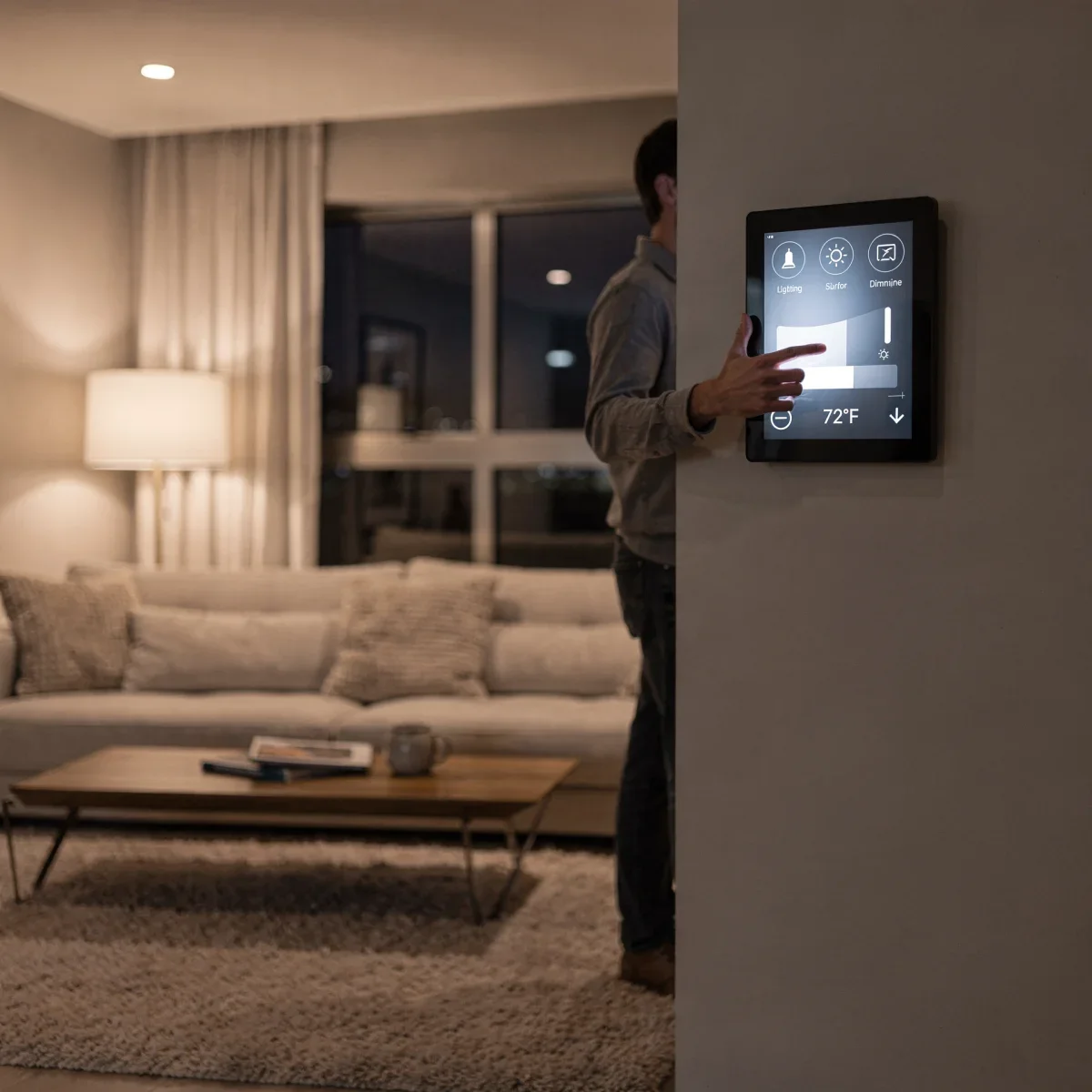
Smart gadgets promise to simplify daily life, but managing dozens of connected lights, plugs, and cameras can quickly feel like a part-time tech support job. If you find yourself juggling five different apps just to dim the living room lights, it is time for a reset. With a few deliberate adjustments, you can make smart home easier to control for everyone under your roof.
Advertisements
Consolidate Everything Under One Primary Ecosystem
The single biggest mistake homeowners make is buying devices across conflicting platforms without a central hub. When every light bulb requires its own proprietary app, everyday tasks become frustrating. Choose one primary dashboard—Apple Home, Google Home, Amazon Alexa, or Home Assistant—and ensure every new purchase natively integrates with it.
Matter-compatible devices have made this process much smoother. When shopping at retailers like Best Buy or Target, look for the Matter badge on packaging. This standard allows accessories from different brands to communicate locally with your chosen ecosystem without requiring third-party cloud bridges.
| Ecosystem | Best For | Key Advantage |
|---|---|---|
| Apple Home | iPhone & Mac users | Strict local privacy and responsive controls |
| Amazon Alexa | Budget-conscious homes | Widest device compatibility and affordable hardware |
| Google Home | Android & Nest users | Natural voice processing and visual displays |
Standardize and Simplify Your Device Names
Voice assistants struggle when device names are clunky or redundant. If your bedroom lamp is labeled "LivingColors Smart WiFi Bulb A19 01," your smart speaker will likely mishear your command or fail to recognize the accessory altogether.
- Use functional names: Label items by room and type, such as "Desk Lamp" or "Overhead Light."
- Avoid numbers when possible: Instead of "Couch Light 1" and "Couch Light 2," group them into a single virtual room or zone named "Living Room Sconces."
- Assign every device to a room: Grouping items by space allows you to say "turn off the kitchen" to kill every light and appliance in that room with a single sentence.
Rely on Automated Routines Instead of Manual Commands
A smart home reaches its full potential when it operates quietly in the background without needing constant voice commands or phone taps. Routines let multiple gadgets work together based on time, motion, or location.
Start with three basic automations that provide immediate daily comfort:
- Good Morning: Gradually raise bedroom blinds, adjust the thermostat to 70°F, and turn on the kitchen lights at a preset time on weekdays.
- Leaving Home: Use your phone's location trigger to lock smart deadbolts, turn off interior lighting, and arm security sensors when the last person leaves.
- Bedtime: Create a single tap widget on your smartphone home screen that locks exterior doors, sets the thermostat to your preferred sleeping temperature, and shuts off all main living area lights.
Add Physical Smart Switches for Guests and Family
Not everyone in your household wants to pull out a phone or talk to a speaker just to turn on a lamp. Relying solely on software controls creates friction for guests, babysitters, and children. Installing smart wireless buttons or smart wall switches keeps the system intuitive for anyone accustomed to a traditional light switch.
Brands like Lutron, Aqara, and Philips Hue offer battery-powered remote switches that mount over existing wall plates or sit on coffee tables. You can program a single press for standard lighting, a double press for movie mode, and a long press to turn off the entire room.
Quick Takeaways
- Pick one primary control hub (Apple, Google, or Alexa) and stick to Matter-compatible hardware.
- Rename gadgets with short, intuitive titles and assign them strictly by room.
- Incorporate physical smart buttons so visitors can control lights without an app.
Frequently Asked Questions
What is the easiest smart home platform for beginners?
Amazon Alexa and Google Home are the most straightforward options for beginners. Both offer intuitive mobile apps, affordable starter speakers, and wide compatibility with budget-friendly smart plugs and lighting brands.
Do I need a dedicated hub to run a smart home?
Not necessarily. Many modern smart speakers and Wi-Fi routers act as built-in hubs for Matter and Thread devices, eliminating the need to purchase separate bridge hardware for basic setups.
Why do my smart devices keep disconnecting?
Frequent disconnections usually point to congested 2.4 GHz Wi-Fi networks or weak signal coverage. Upgrading to a mesh Wi-Fi system or switching to Thread-based devices generally resolves network drops.
Next Steps for a Seamless Setup
Making your smart home work for you does not require buying all-new hardware. Pick one room this weekend, streamline its device names, and build a single morning or evening routine to experience how simple connected living can be. Check out our gear section for more hands-on smart home tutorials and hardware reviews.