
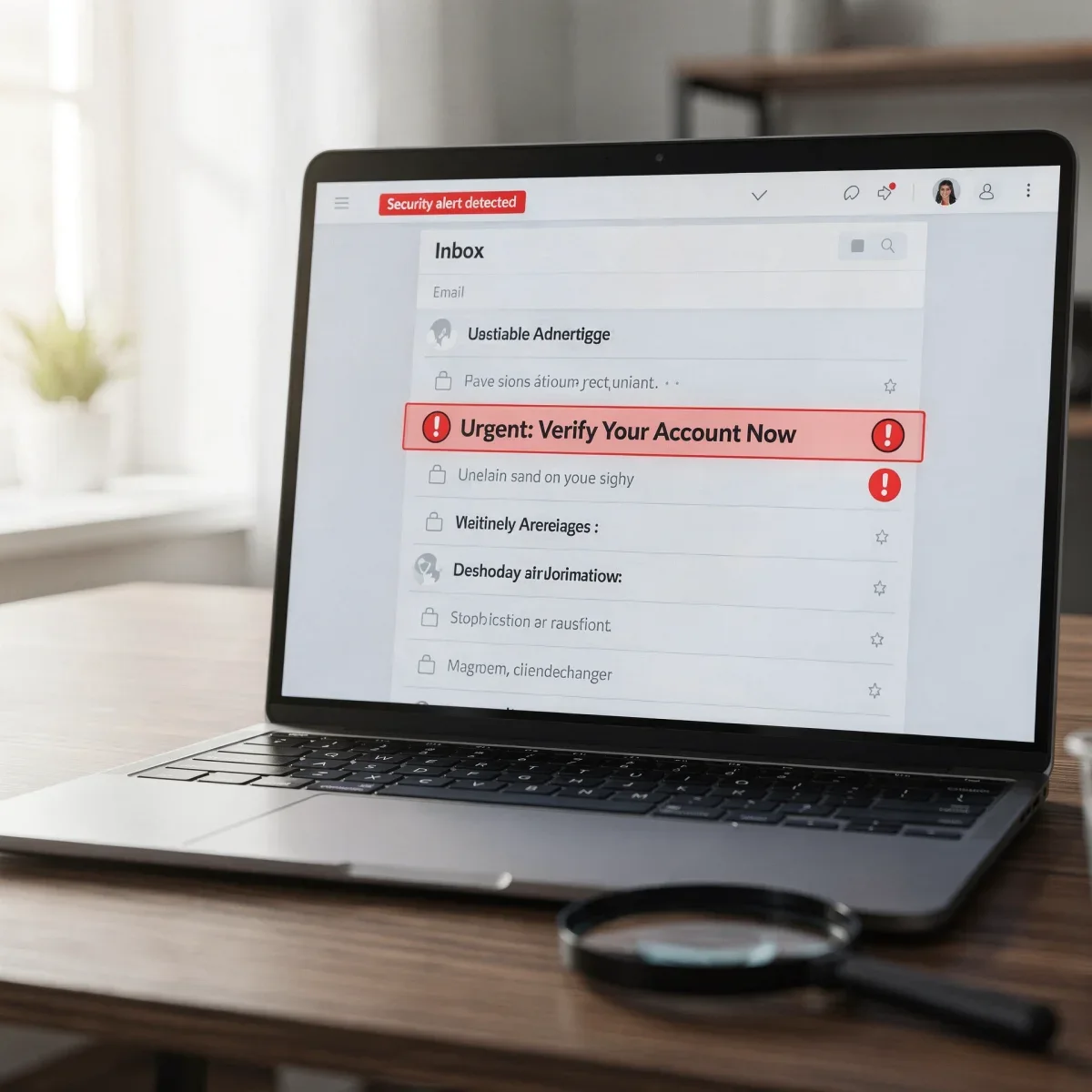
We have all seen them: urgent messages claiming your bank account is locked, fake Amazon delivery alerts, or surprise receipts for items you never ordered. Scammers are constantly refining their tactics, making fake messages look surprisingly authentic. Fortunately, learning how to spot a phishing email takes only a few seconds once you know the exact red flags to look for.
Advertisements
1. Inspect the Sender's Actual Email Address
Scammers often disguise their display name to look like a trusted company, such as Netflix, Chase, or Apple. However, the display name is just a label anyone can type. The real test is the actual email address behind it.
On desktop, hover your mouse over the sender name or click on it to expand the full address. On your phone, tap the sender name to view the full details. If an alert claims to come from PayPal but the domain ends in @service-security-update12.com instead of @paypal.com, it is a scam. Legitimate organizations always send official communications from their verified company domains.
2. Look Out for Artificial Urgency and Threats
Phishing attacks rely on panic. Attackers want you to act before your critical thinking kicks in, using alarming language designed to trigger an emotional reaction.
Common high-pressure tactics include:
- "Your account will be permanently closed within 24 hours."
- "Unauthorized charge of $489.99 detected. Click here to dispute."
- "Urgent: Update your payment information immediately to avoid suspension."
When you see high-stakes demands, pause. Real companies rarely threaten instant cancellation or demand immediate password resets through a generic email link.
3. Preview Links Before Clicking
Deceptive links are the core weapon of phishing campaigns. Text in an email might read "Log In to Your Account," but the destination URL could lead directly to a cloned credential-stealing site.
| Display Text | Safe Destination | Suspicious Destination |
|---|---|---|
| chase.com/login | https://www.chase.com/... | http://chase.verify-account-user.net |
| Track Amazon Package | https://www.amazon.com/orders | https://bit.ly/3xFakeLink |
Always hover over links on your desktop to view the destination URL in your browser's bottom corner. On mobile devices, press and hold the link to bring up a preview window. If the domain looks misspelled, uses unfamiliar extensions, or hides behind a URL shortener, do not tap it.
4. Watch for Generic Greetings and Awkward Phrasing
Services you use regularly address you by your actual name. If an email opens with "Dear Customer," "Valued Member," or simply your email handle, treat it with caution. While some modern scammers use generative tools to polish their grammar, many phishing messages still contain strange phrasing, mismatched fonts, or low-resolution company logos.
Quick Takeaways
- Verify the domain: Check the actual address after the "@" symbol, not just the sender's display name.
- Hover before clicking: Inspect every link's destination URL before opening it.
- Bypass the email: When in doubt, navigate directly to the company website or open their official app independently.
Frequently Asked Questions
What should I do if I open a phishing email?
Simply opening an email is rarely dangerous on modern email clients. As long as you do not click links, open attachments, or reply with personal data, you can safely mark it as spam and delete it.
What if I accidentally clicked a phishing link?
Immediately disconnect from the page, change your password for that service from a secure browser, and enable two-factor authentication (2FA). If you entered financial details, contact your bank right away to freeze your cards.
Can phishing emails carry dangerous attachments?
Yes. Scammers often attach malicious PDFs, ZIP files, or Microsoft Office documents disguised as unpaid invoices or shipping slips. Never open unexpected attachments from unverified senders.
Knowing how to spot a phishing email quickly keeps your personal data and financial accounts safe from modern online threats. If you found this guide helpful, check out our walkthrough on setting up hardware security keys to lock down your most important accounts.